
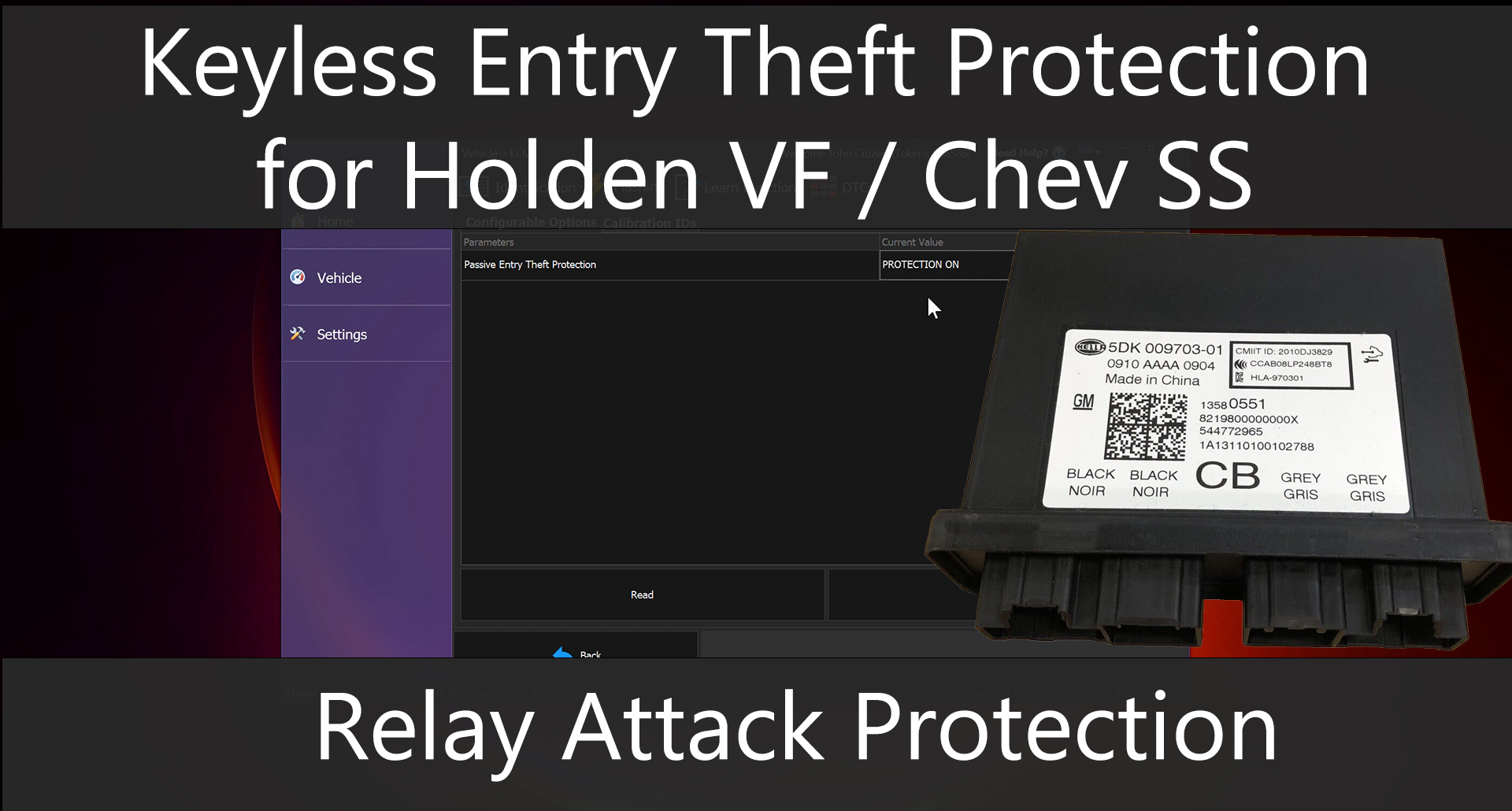
This video demonstrates how to prevent relay attacks where key data is broadcasted to your vehicle to allow unlocking the door to gain access into the car.
To turn on this protection, you will need to do the following:
1) Go into the Keyless Entry Module (KEM).
2) Click on the flashing tab and then click on configurable options tab.
3) Select Protection On for the “Passive Entry Protection”.
4) Click Write.
After this protection has been turned on, you will no longer be able to lock/unlock the doors from the door handle itself. You will only be able to lock and unlock using the key FOB itself.
For more information and pricing, please head to our OBDSync product page.


